How to convert PDF to JPG
- Choose one PDF. The converter processes every page automatically.
- Select Convert & download.
- Download the ZIP and extract the sequentially named JPG pages.
What to know
- A PDF can contain up to 100 pages. Oversized page dimensions are not processed.
- JPG uses lossy compression, so fine detail may differ from the source PDF.
- Password-protected PDFs must be unlocked before uploading.
What comes out of a two-page PDF?
Before conversion · Download growing-notes.pdf (two-page sample). Page 1 shows a seed and page 2 shows a sprout.
After conversion · Open pdf-pages-jpg.zip to find these two files. The illustration and caption on each page stay together.
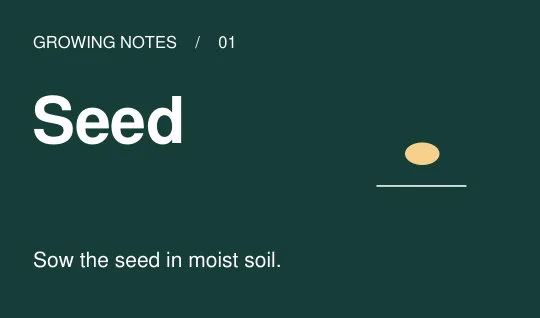
page-001.jpg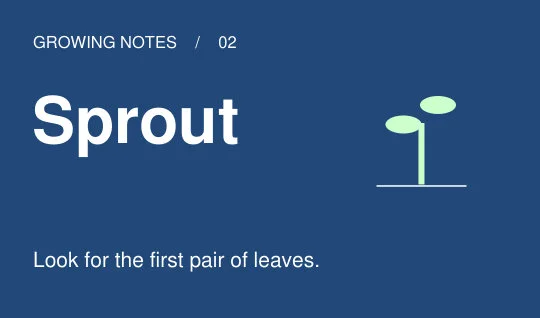
page-002.jpgJPG images or separate PDF files?
Use PDF to JPG when you need one numbered JPG image for every PDF page. Download all images together in a ZIP. If you need to keep each page as a PDF instead, use Split PDF Online.